Can a solo entrepreneur harness enterprise-grade email marketing without a corporate structure?
In today's digital landscape, where individuals increasingly drive digital marketing initiatives, the barriers to professional campaign management have crumbled. Zoho Campaigns, a robust marketing platform within the Zoho ecosystem, empowers you—whether operating as a solo individual or without a formal company—to execute sophisticated email marketing and marketing automation strategies that rival those of larger organizations.[1][2][4]
The Business Imperative: Personalization at Scale Without Overhead
Traditional business tools demand teams, budgets, and infrastructure that stifle individual innovators. Yet market realities favor agility: 80% of consumers expect personalized experiences, and drip campaigns can boost revenue by 80%. Zoho Campaigns flips this script by offering seamless access via campaigns.zoho.com, Zoho One free trials, or CRM Plus—requiring no company profile to begin.[1][2][4] Authenticate your domain, import contacts manually or from spreadsheets, and segment audiences into "needs nurturing," "newsletter subscribers," or "closed-lost" groups. This isn't mere content management; it's strategic contact segmentation that turns one-off outreach into sustained engagement.[1][5] Organizations seeking to implement comprehensive marketing strategies can benefit from SaaS marketing playbooks to maximize their campaign effectiveness.
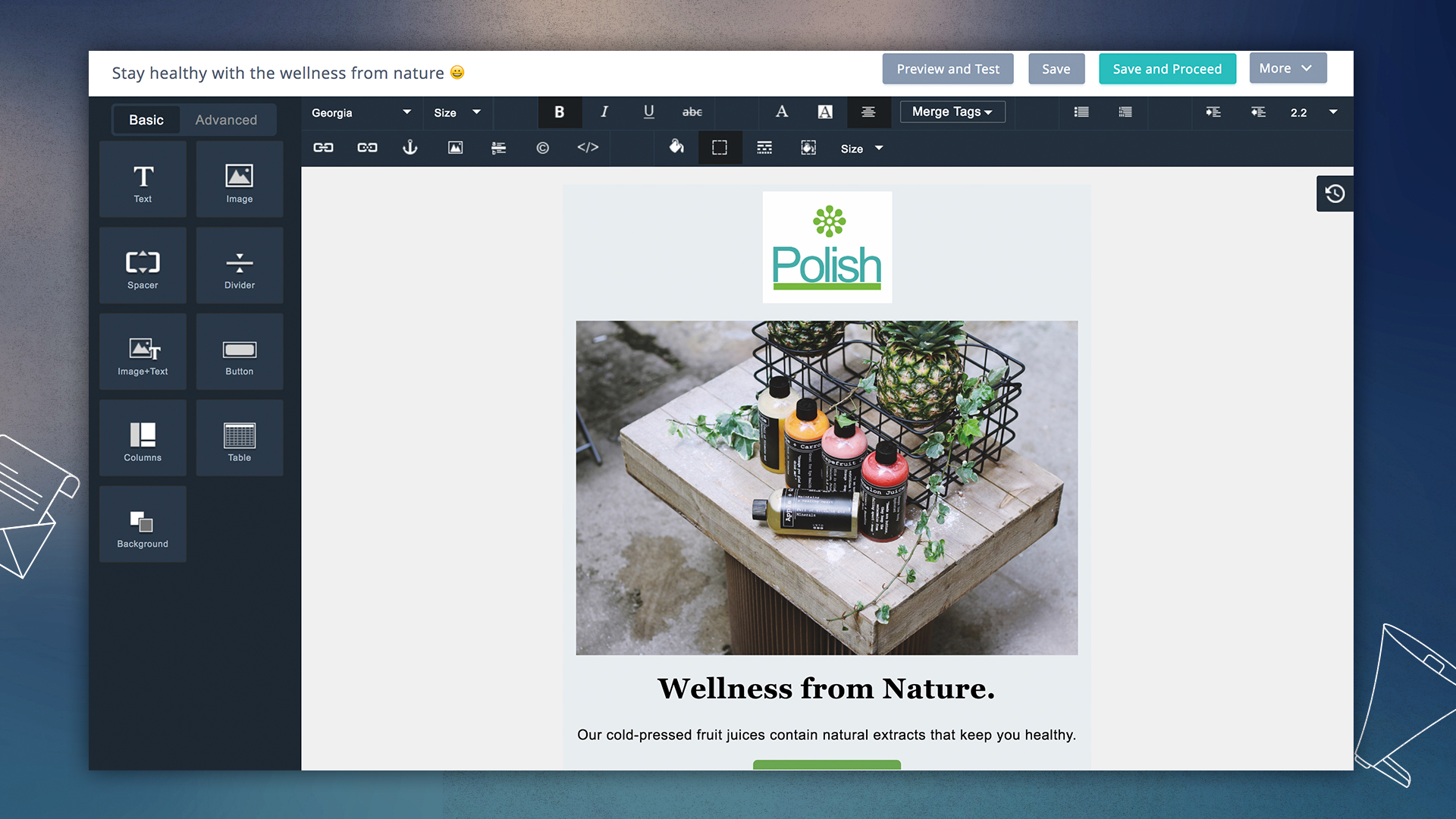
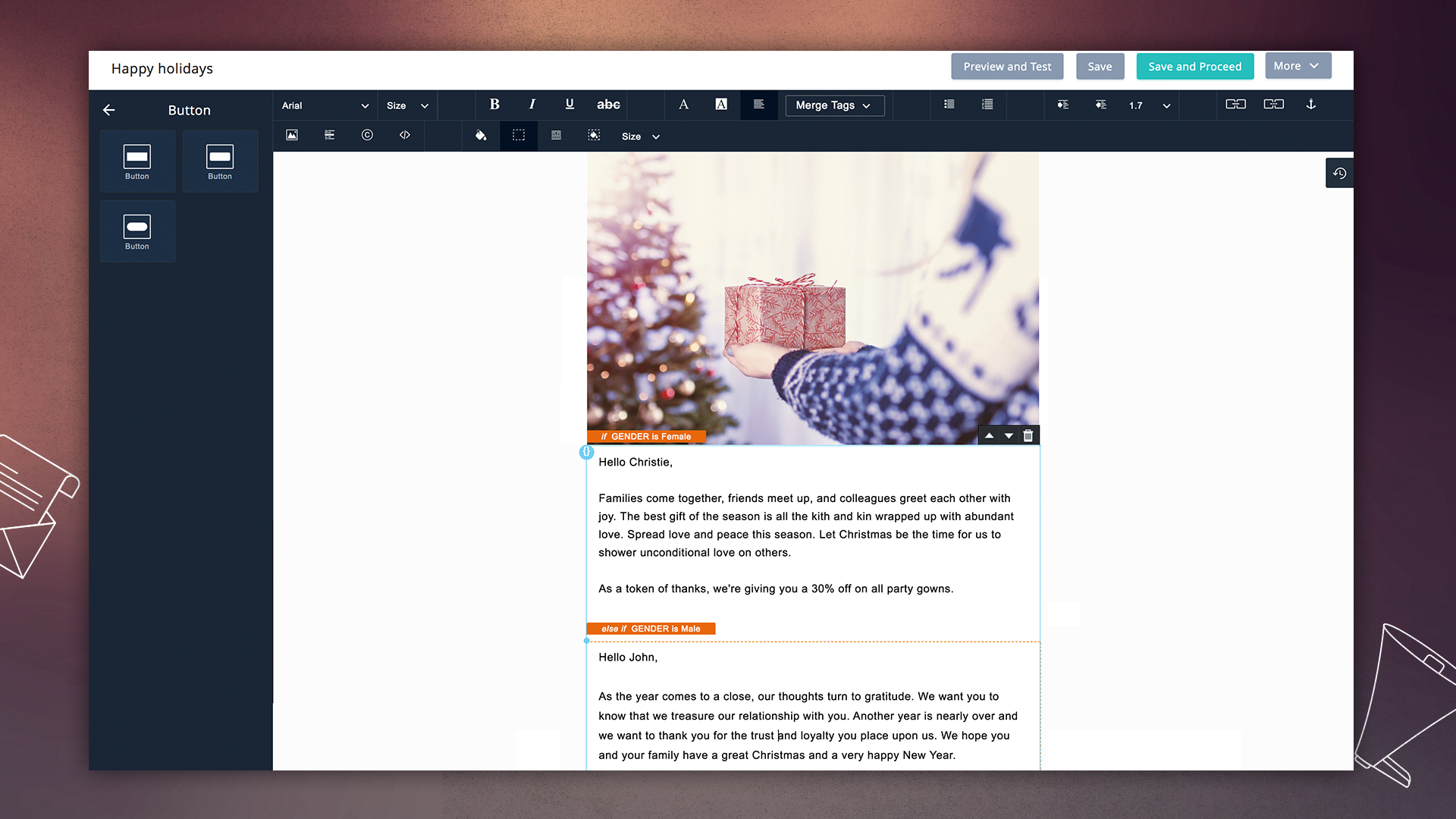
Imagine transforming a personal newsletter into a revenue engine: Create email campaigns with drag-and-drop builders, pre-designed templates, or custom HTML formatting. Add headers with your branding, personalized merge tags, CTAs, and compliant footers—then deploy one-time blasts, SMS campaigns, or automated workflows triggered by form submissions or tags.[2][3][5] For individuals, this means no IT department needed; just content formatting optimized for deliverability via SPF, DKIM, and DMARC settings.[5] Modern entrepreneurs can leverage Make.com for intuitive no-code automation that complements their email marketing workflows.
Strategic Depth: Automation as Your Invisible Team
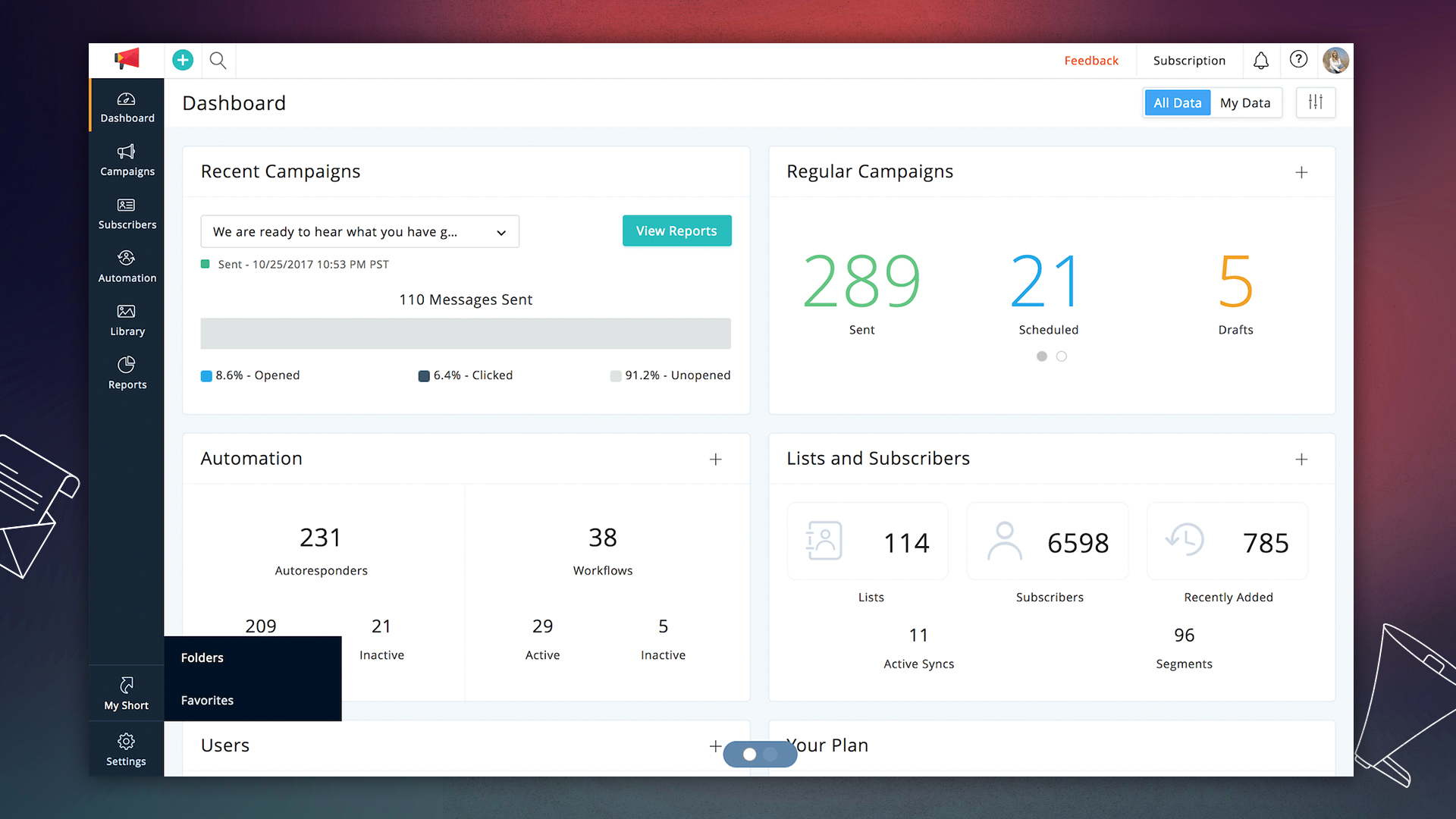
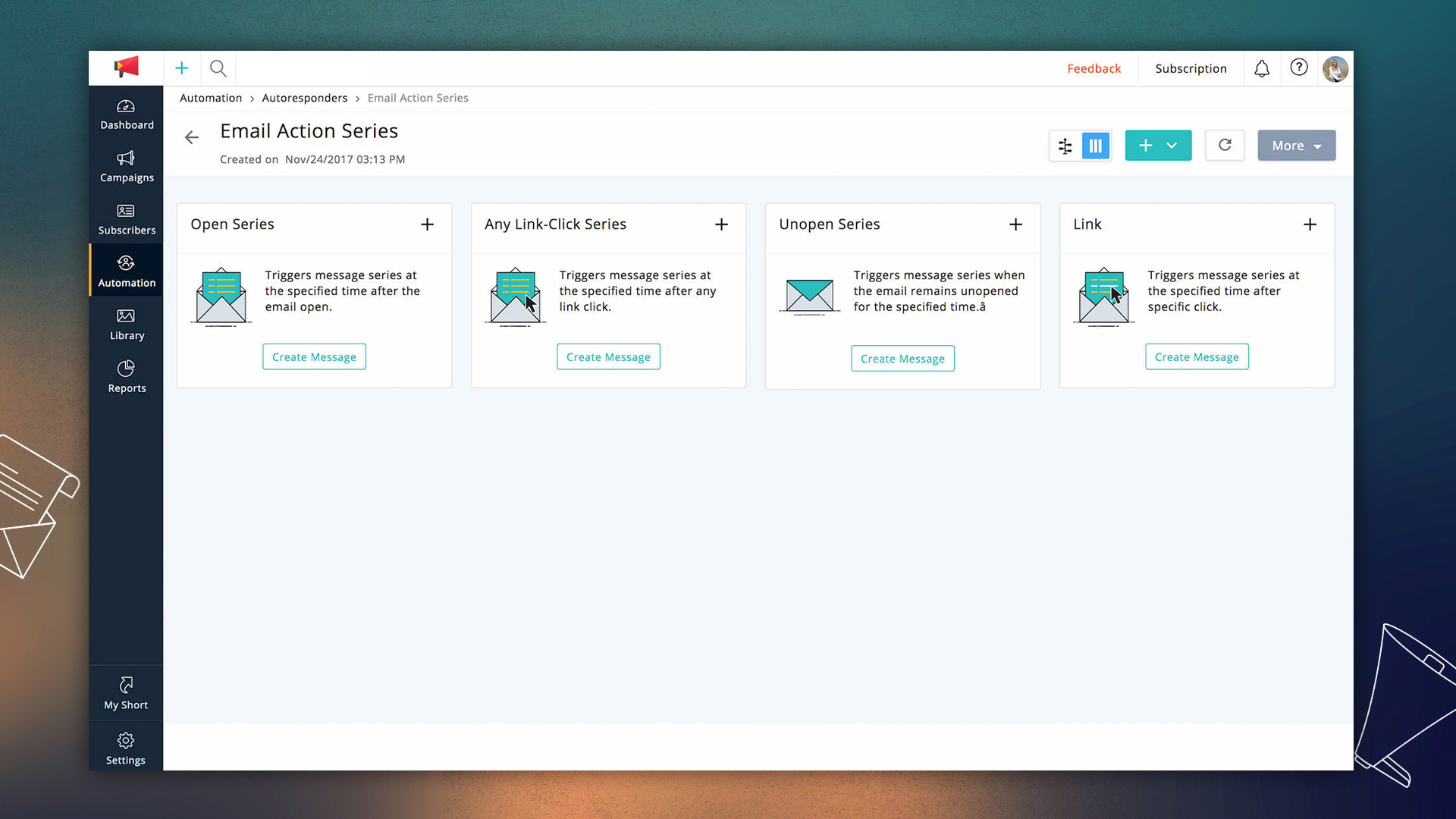
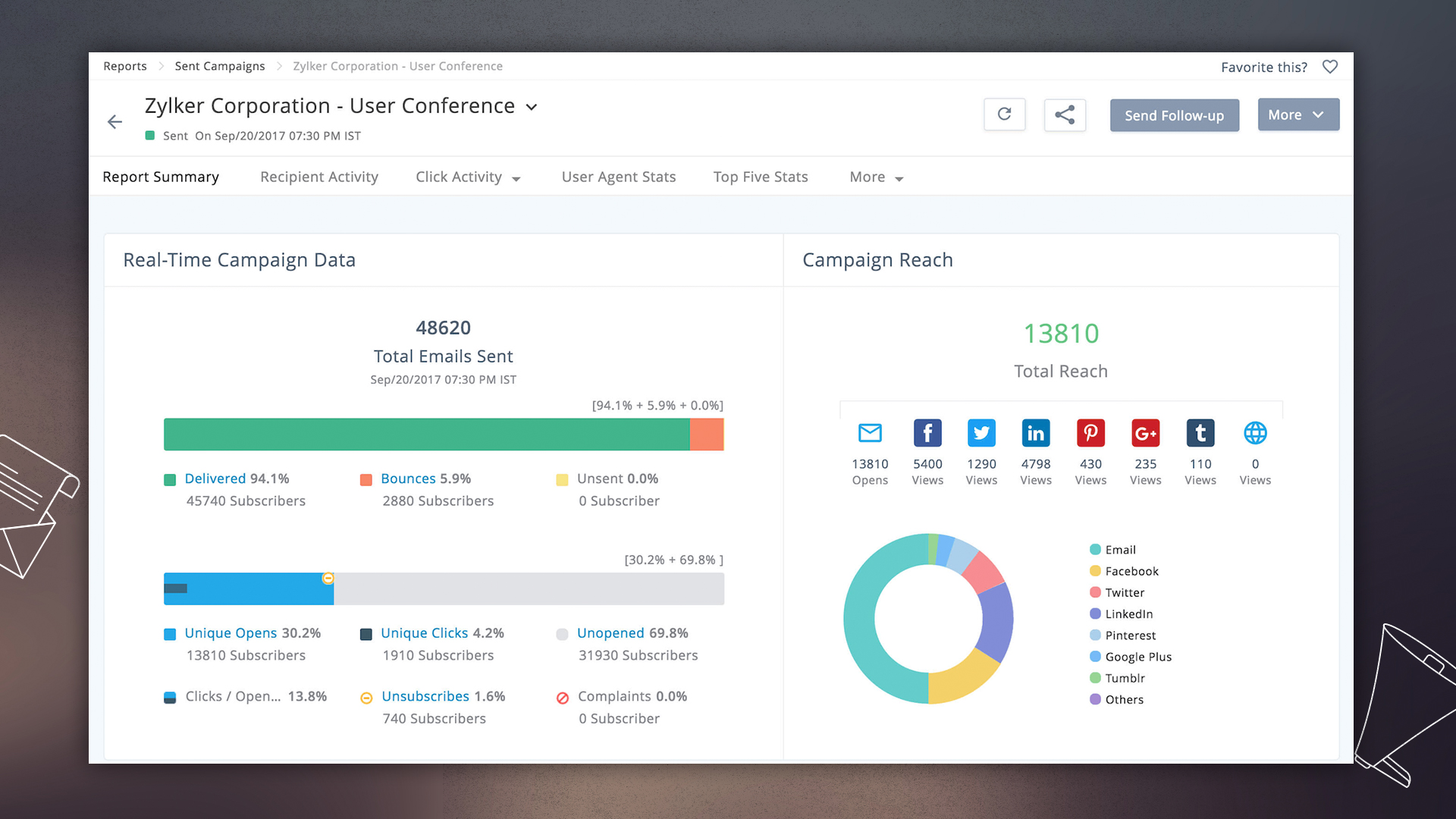
What elevates Zoho Campaigns beyond basic tools is its workflow engine—drip campaigns that nurture leads over time, monitoring engagement metrics for real-time optimization.[1][2] As an individual, build sequences: Welcome emails Day 1, value-driven content Day 7, offers Day 14. Integrate with Zoho CRM for data sync, or e-commerce platforms like Shopify for abandoned cart recovery. Reporting dashboards reveal open rates, clicks, and ROI, enabling blog optimization by repurposing high-performers into your blog post strategy.[5][6] Organizations implementing marketing automation should also consider AI marketing frameworks and customer success strategies to enhance their overall approach.
Thought-provoking insight: In a creator economy, your personal brand is the company. Why settle for fragmented tools when Zoho Campaigns unifies campaign management, lists, automation, and analytics under one roof? This democratizes web publishing—clean up raw content by extracting value from lists, preserving FAQs and title elements, while removing unnecessary signatures or disclaimers for polished delivery.[4][5] For comprehensive data management, Stacksync provides real-time CRM and database synchronization to enhance your marketing workflows.
Vision for Solo Scaling: From Campaign to Ecosystem
Forward-thinking leaders ask: How does today's tactic become tomorrow's empire? Start cleaning up your approach—provide precise segments over mass blasts, preserve subscriber opt-ins for compliance, and extract insights from reports to refine. Zoho Campaigns isn't just software; it's your launchpad for business transformation, proving individuals can outmaneuver corporations through precision email marketing.[1][3][7] Organizations seeking to scale their marketing efforts can benefit from sales development strategies and automation tools like n8n for flexible workflow automation.
Equip yourself: Access via free trial, craft your first campaign, and watch personal outreach evolve into professional dominance. The question isn't if you can—it's how quickly you'll scale. [1][2][4]
Can a solo entrepreneur use Zoho Campaigns without registering a company?
Yes. Zoho Campaigns is accessible to individuals—sign up for a free trial or use Campaigns via Zoho One/CRM Plus, authenticate your sending domain, import contacts (spreadsheets or manual), and start building campaigns without a formal corporate structure. Organizations implementing email marketing strategies can benefit from comprehensive marketing playbooks to maximize their campaign effectiveness.
Do I need to authenticate my domain, and how does that improve deliverability?
Yes—configure SPF, DKIM and DMARC for your sending domain. Authentication reduces the chance your messages are marked as spam, improves inbox placement, and protects your sender reputation, which is especially important when sending at scale as an individual.
How do I import and segment contacts effectively?
Import contacts via CSV/spreadsheets, manual entry, or integrations. Use lists, tags and custom fields to create segments like "newsletter," "needs nurturing," or "customers." Segmenting by behavior or interest enables targeted, higher-performing campaigns.
How can I personalize emails at scale without extra staff?
Use merge tags (name, company, custom fields), dynamic content blocks, and segmented lists to deliver tailored messages. Combine these with automated workflows (welcome series, behavior triggers) to deliver personalized sequences without manual intervention. For comprehensive automation needs, Make.com offers intuitive no-code development platforms that can integrate with email marketing workflows.
What automation capabilities does Zoho Campaigns provide for a one‑person team?
Zoho Campaigns offers workflow engines for drip sequences, event- or tag-triggered sends, scheduled follow-ups, and conditional branching. You can set welcome series, lead-nurture paths, and abandoned-cart flows that run automatically so automation acts as your invisible team. Organizations can also leverage AI workflow automation guides to optimize their marketing processes.
Can I integrate Zoho Campaigns with CRM, e‑commerce, and no‑code tools?
Yes. Connect with Zoho CRM for contact sync, e-commerce platforms (Shopify, etc.) for transactional and abandoned-cart automation, and no-code automation tools (Make, n8n) or sync services (Stacksync) to move data and trigger campaigns across your stack. For real-time data synchronization, Stacksync provides seamless CRM and database integration.
How do I protect deliverability and sender reputation as an individual?
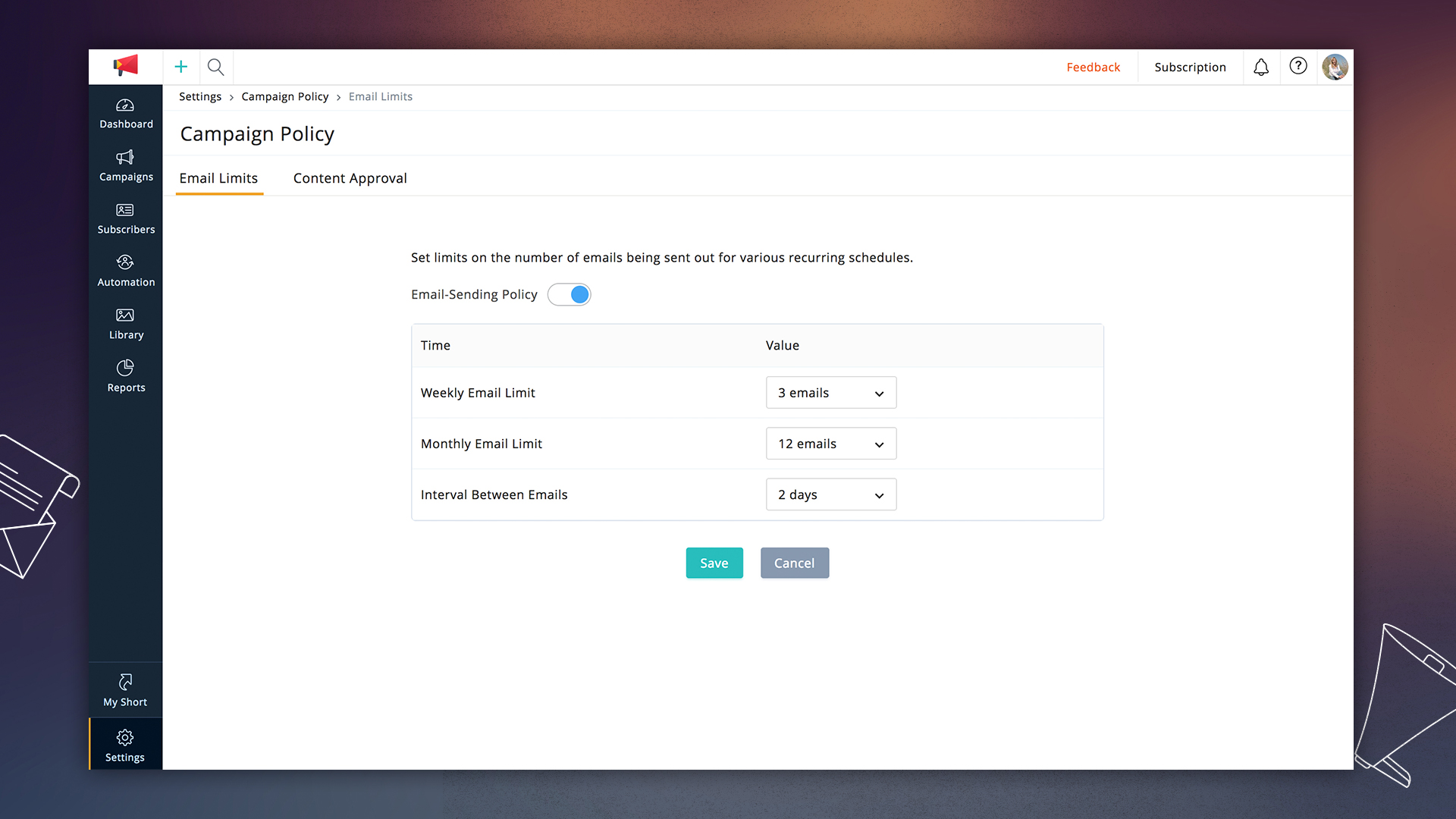
Authenticate your domain, avoid purchased lists, maintain list hygiene (remove inactive addresses), use confirmed opt-ins when possible, monitor engagement metrics, and limit send volumes when starting to build a positive sending reputation.
What compliance requirements should solo senders follow?
Preserve subscriber consent records, include clear unsubscribe links in every message, honor opt-outs promptly, and follow local regulations (e.g., GDPR, CAN-SPAM). Using proper opt-in flows and storing consent metadata helps you stay compliant. Organizations should implement security and compliance frameworks to meet evolving regulatory requirements.
Do I need design or coding skills to build professional emails?
No. Zoho Campaigns includes drag-and-drop builders and pre-designed templates for non-technical users, plus the option to upload custom HTML if you prefer full control. Always include branded headers, clear CTAs, and compliant footers for a professional look.
Can I run SMS campaigns and multi-channel automation as a solo operator?
Yes—Zoho Campaigns supports SMS in regions and accounts where SMS providers are configured. Combine email, SMS and web triggers in workflows to create multi-channel journeys without needing large teams. For flexible workflow automation, n8n provides AI-powered automation for technical teams building sophisticated business solutions.
How do I measure success and optimize campaigns?
Use built-in dashboards and reports (open rates, click-throughs, conversions, unsubscribe rates) and run A/B tests on subject lines or content. Iterate based on engagement data to improve ROI and repurpose high-performing content into blog posts or future campaigns. Organizations can also benefit from customer success frameworks to maximize campaign value.
How can I scale from a solo campaign strategy to a broader marketing ecosystem?
Start with clean segmentation and automated sequences, preserve consent data, and integrate CRM/e-commerce and automation tools. Gradually expand audiences, reuse top-performing content, and add integrations (analytics, sync services, workflow automators) to evolve campaigns into a repeatable ecosystem.